
Quick Start
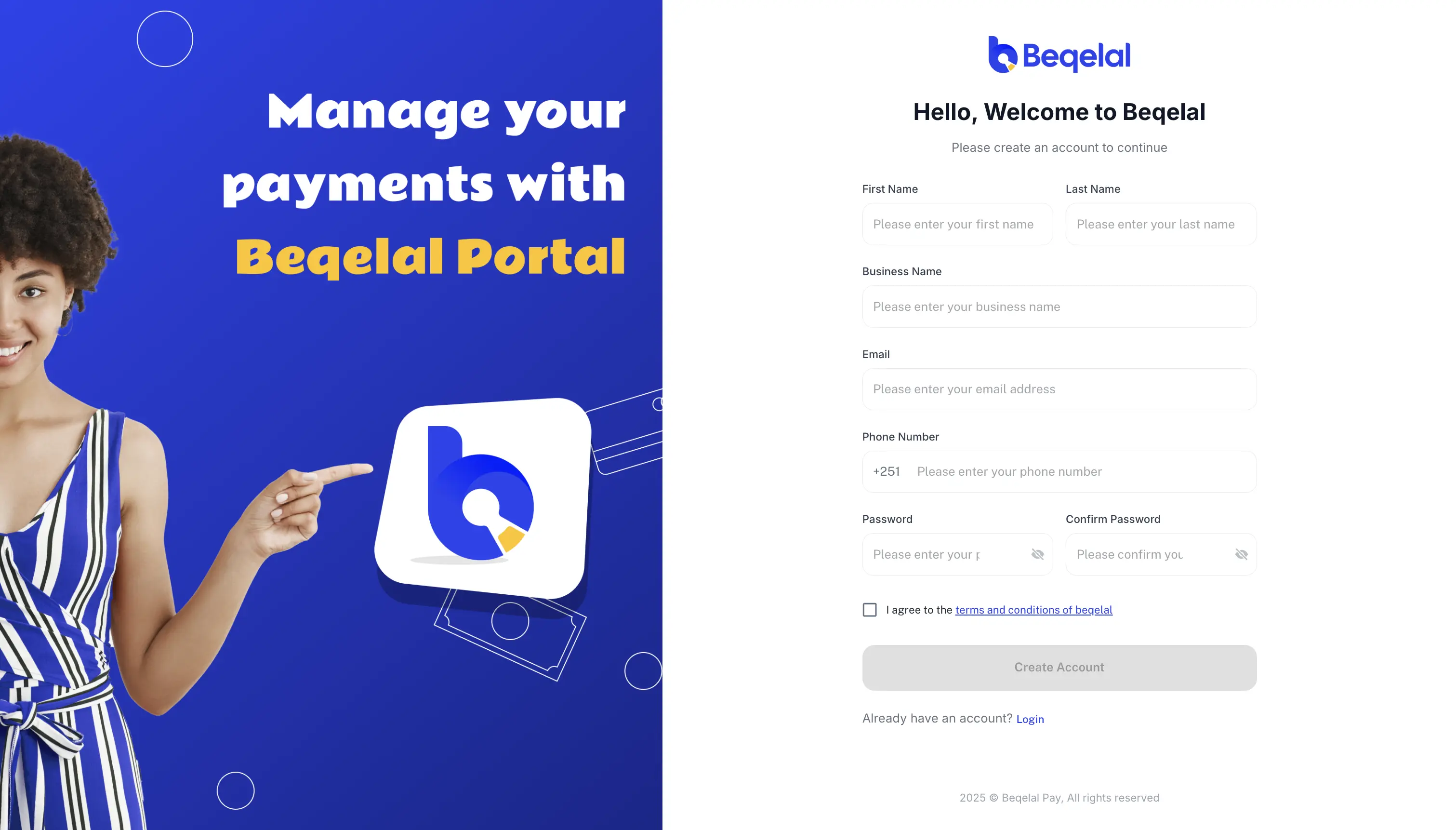
1.Register as Merchant
Registration Process:
- Visit portal.beqelal.net to register as a merchant
- After registration, you will receive an email containing:
- An activation link to activate your account
- A default PIN to authorize payments from the portal
- Click the activation link in the email
- You will be redirected to portal.beqelal.net and your account will be activated
- Login to the portal using your credentials
- Change your default PIN to a secure PIN of your choice
User Roles:
- Default User: Your account is created with a Manager user role
- Maker Role: Create additional users with Maker role to initiate transactions
- Checker Role: Create additional users with Checker role to authorize transactions
- Workflow: Maker users initiate transactions, and Checker users authorize them
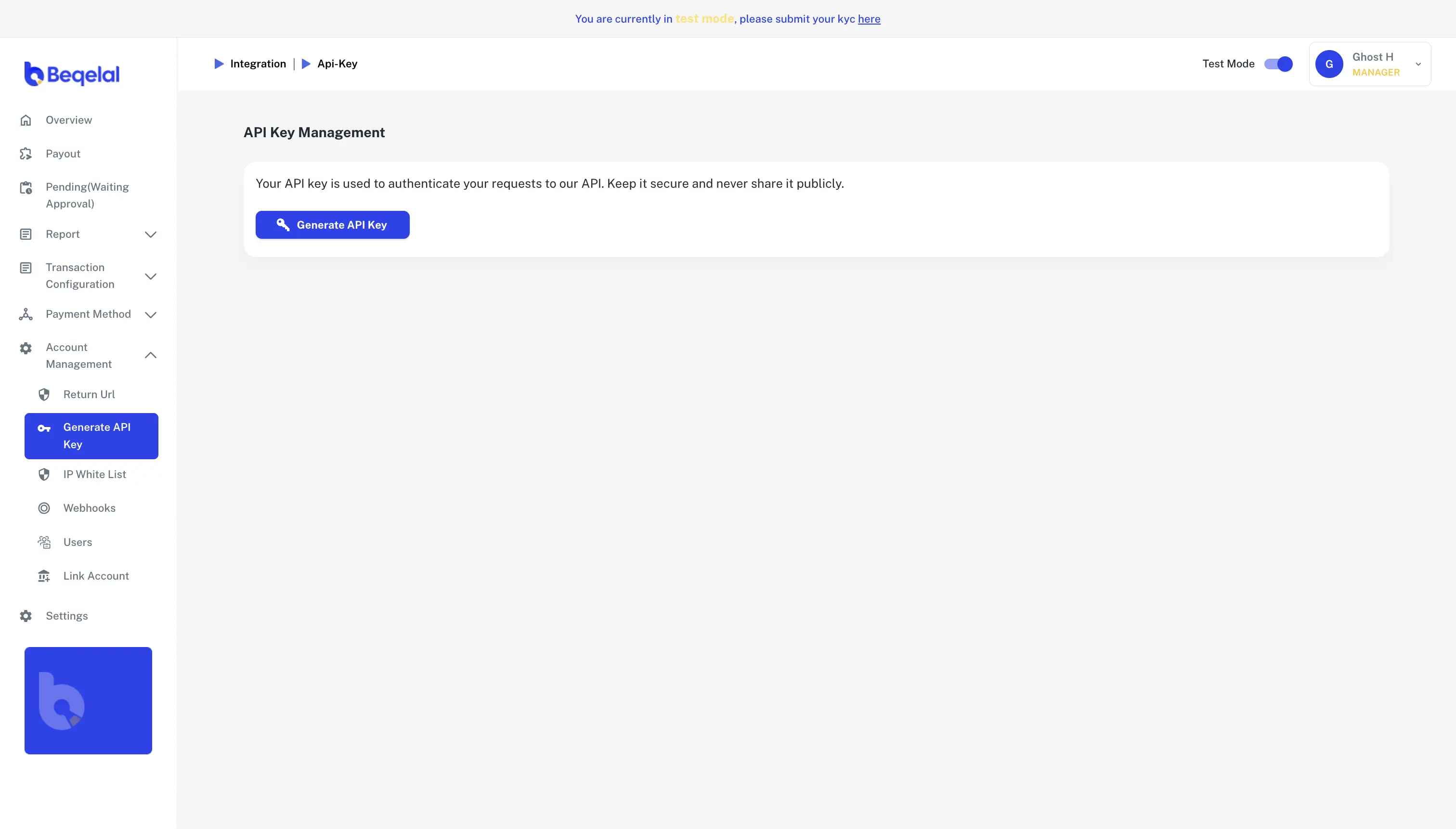
2.Get Credentials
Merchant Portal → Account Management
- Obtain your app-id and api-key from the Merchant Portal
- These credentials are required for all API requests
- Keep your api-key secure and never expose it in client-side code
3.Configure IP Whitelisting ⚠️ Mandatory
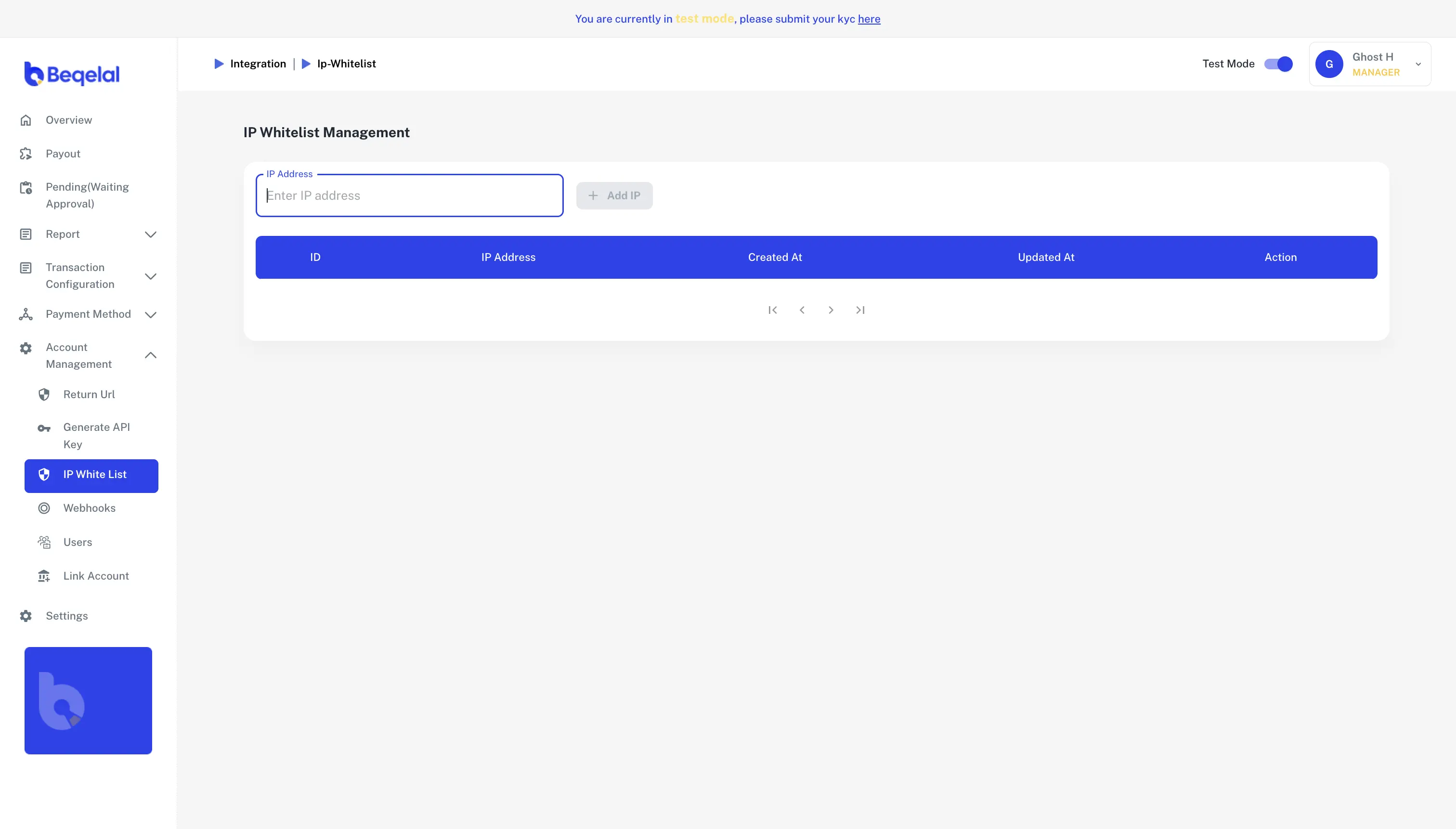
Merchant Portal → Account Management → IP Whitelisting
What to do:
- Add the IP addresses or IP ranges from where your server requests will be initiated
- You can add multiple IP addresses or CIDR ranges (e.g., 192.168.1.0/24)
- This restricts API access to only your authorized server IPs for enhanced security
Required: You must configure at least one IP address to use the API
4.Configure Webhooks ⚠️ Mandatory
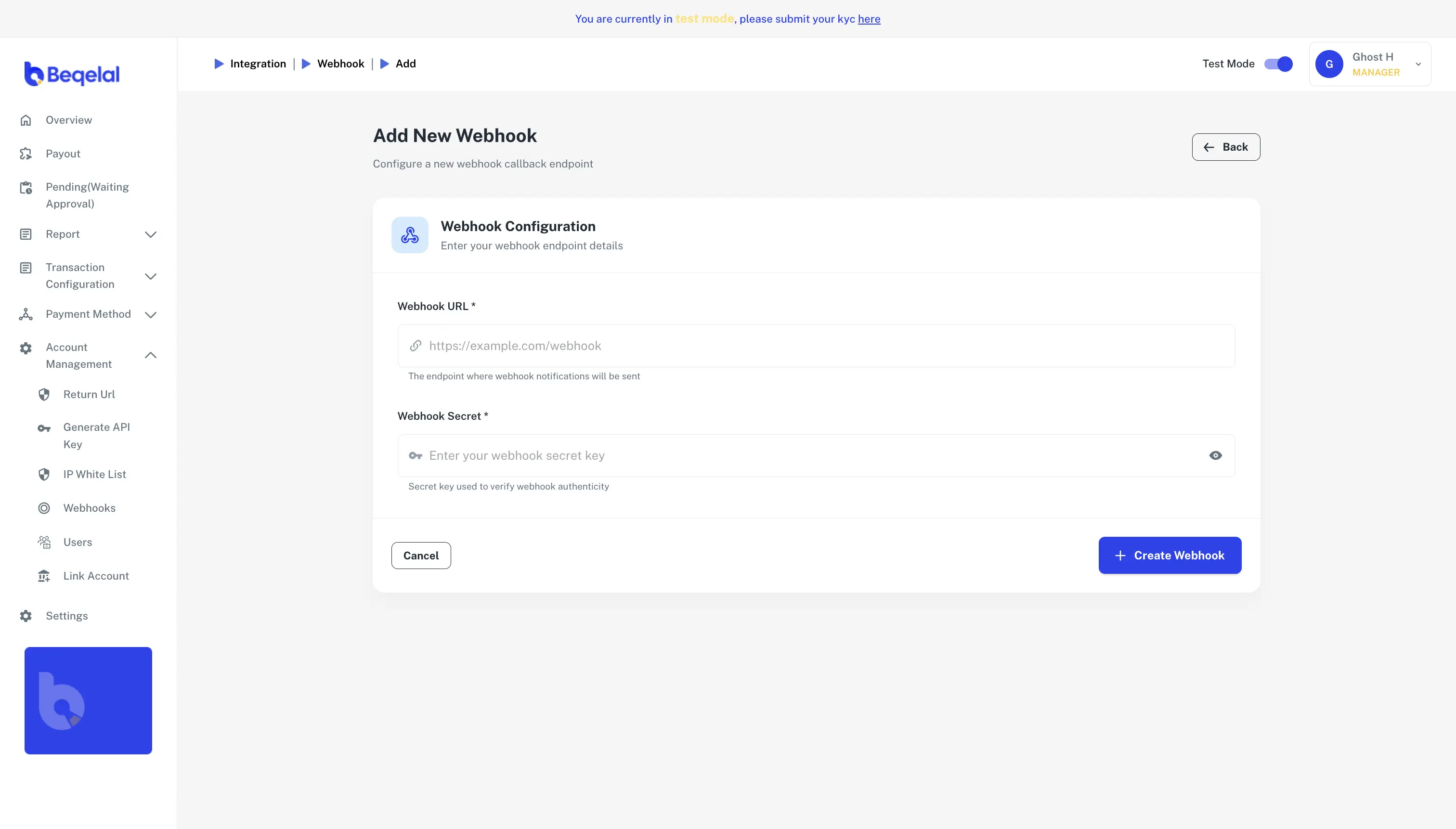
Merchant Portal → Account Management → Webhooks
What to configure:
- Set your webhook URL where you want to receive payment notifications
- Webhooks provide real-time updates about payment status changes
- Make sure your endpoint can accept POST requests with JSON payload
- Verify webhook signatures for security
5.Configure Fee Settings (Optional)
Merchant Portal → Transaction Configuration → Fee Policy
Fee Payer Options:
- merchant: Fees are deducted from merchant's account
- customer: Fees are added to the transaction amount and paid by the customer
Default Behavior:
- If fee configuration is not set up, the system will use the default configuration
6.Try the API
- Use the provided cURL examples to make your first API call
- Test with the sandbox environment for development
7.Test Environment
- For development, use the sandbox environment if available
- Ensure all mandatory configurations (IP Whitelisting & Webhooks) are set up before testing